See the look while you shoot.


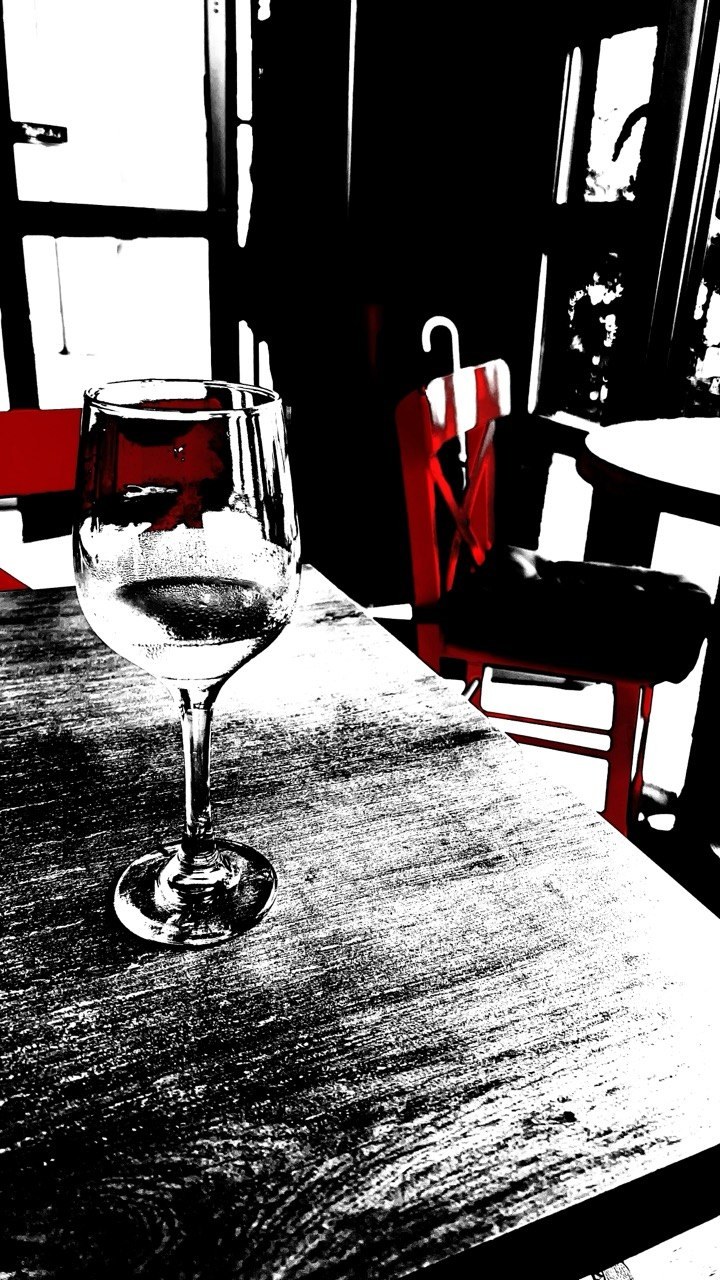
Dozens of pro filters
Every frame is redrawn right on your phone, from real film stocks to hand-drawn and just-for-fun looks. There is one for every mood and every shot!
Transform
the reality
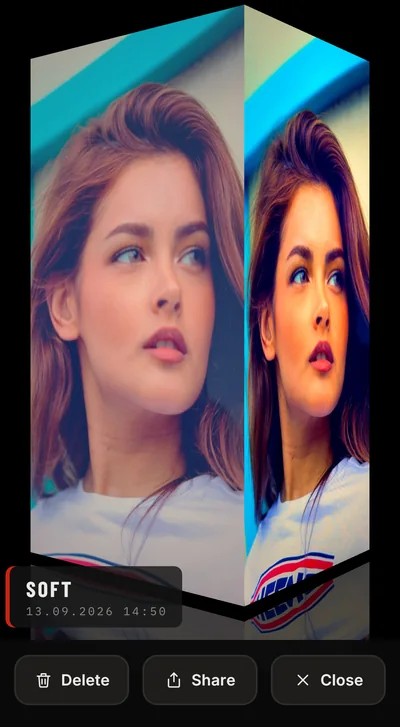
Filters Camera doesn't just recolor, but totally changes the appearance: pencil lines, comic ink, anime shading, film grain and paper texture, live in the viewfinder as you shoot. Every photo and video comes out finished, with nothing to edit afterwards.
This app was very much recommended by my friends, now I just can't stop taking pictures! I now see the world differently, and can see its beauty where I never noticed it before. A GRATEFUL USER
For years my phone took reddish photos and nothing helped. One Hue slider in Filters Camera fixed it in a second. Now every photo comes out just right! A GRATEFUL USER
Live adjustments
A look is a starting point. Sliders sit on top of any filter, live in the viewfinder, and what the screen shows is what the photo and the clip keep. A double tap puts one slider back to normal.
Exposure and Lightness join in, and all six sliders now open together in one panel with Undo and Reset.
Light, vignette and distort
Let light and color glow over the picture.
Darken or tint the edges to pull the eye to your subject.
Bend and reshape the picture for playful shots.
Add them on top of any look, live in the viewfinder, and your photo or clip keeps them.
Use as your main camera
Shoot photos and videos with sound, change format, mirror selfies, limit clip length and save the location if you want.
Filters don't just recolor: pencil lines, comic ink, anime shading and film grain totally change the appearance of every photo and clip, live as you shoot.
3, 5 or 10 seconds to get yourself in the shot.
Switch modes to record just your voice without noise and echo, or every sound around you as it is.
Steady handheld video clips, even when your hands get tired.
Pinch to zoom in and out, right in the viewfinder.
Pause a clip while you record, change the look, then keep recording. It all stays one clip.
Photos and videos go straight to your gallery with the usual metadata.
Export
to stand out
Send clips that surprise your friends, and post photos and videos that stand out on social media.
Support
A question, an idea, or something not working — write and it lands with the developer directly, not a ticket robot.
[email protected] ANSWERED WITHIN 48 HOURS · USUALLY FASTERHow to use in detail: screens, gestures and settings, step by step.
Dig InHow does this work?
Filters Camera applies the look in real time, both to the live preview on your screen and to the photo or video as it is captured. What you see in the viewfinder is exactly what ends up in your saved photo or clip, so there is never anything to edit afterwards.
Can I record videos too?
Yes, with audio and usual metadata. Filters are applied to your video in real time, with no post-processing. You see professional-grade Hollywood looks on your clips while you record.
My video looks shaky
Small hand movements show up in clips, more so when your hands get tired. Open Settings and set Video stabilization to On for steadier handheld clips. The frame gets slightly tighter.
How do I record just my voice, or all the sound around me?
Open Settings, tap Audio preset and pick what fits. Voice suppresses noise and echo, made for talking. Video sounds like the native Camera app. Raw keeps every sound as it is, with no processing. Auto uses standard system processing. The change applies from your next clip.
Is my feed kept private?
Yes. Everything renders on your phone. Photos go to your gallery and nowhere else.
My camera is not focusing on close-ups
Some latest iPhone models might need you to turn off Macro Control in device Camera Settings for this to work in the app.
How do I report a problem?
Email [email protected] with your phone model and a short description of what happened. A screenshot helps. It goes straight to the developer.
Create your masterpiece now
Dozens of LIVE filters to choose from for photo and video. Nothing to edit afterwards.